> ## Documentation Index
> Fetch the complete documentation index at: https://docs.osschat.dev/llms.txt
> Use this file to discover all available pages before exploring further.
# Quickstart
> Run OpenChat locally with Bun, Convex, and GitHub OAuth.
# Quickstart
This guide gets OpenChat running locally for development and feature testing.
Prefer the hosted app? Use `https://osschat.dev`.
 ## Prerequisites
* Bun 1.3+
* Node.js 20+
* Git
* GitHub OAuth app credentials
## Install and Run
```bash theme={null}
git clone https://github.com/opencoredev/openchat.git
cd openchat
bun install
```
```bash theme={null}
cp env.web.example apps/web/.env.local
cp env.server.example apps/server/.env.local
```
In `apps/web/.env.local`, configure at least:
```bash theme={null}
VITE_CONVEX_URL=http://localhost:3210
VITE_CONVEX_SITE_URL=http://localhost:3211
GITHUB_CLIENT_ID=your_client_id
GITHUB_CLIENT_SECRET=your_client_secret
BETTER_AUTH_SECRET=your_32_char_secret
OPENROUTER_ENCRYPTION_KEY=your_base64_32_byte_key
```
Use callback URL:
```
http://localhost:3211/api/auth/callback/github
```
```bash theme={null}
bun dev
```
This starts web + Convex.
## Prerequisites
* Bun 1.3+
* Node.js 20+
* Git
* GitHub OAuth app credentials
## Install and Run
```bash theme={null}
git clone https://github.com/opencoredev/openchat.git
cd openchat
bun install
```
```bash theme={null}
cp env.web.example apps/web/.env.local
cp env.server.example apps/server/.env.local
```
In `apps/web/.env.local`, configure at least:
```bash theme={null}
VITE_CONVEX_URL=http://localhost:3210
VITE_CONVEX_SITE_URL=http://localhost:3211
GITHUB_CLIENT_ID=your_client_id
GITHUB_CLIENT_SECRET=your_client_secret
BETTER_AUTH_SECRET=your_32_char_secret
OPENROUTER_ENCRYPTION_KEY=your_base64_32_byte_key
```
Use callback URL:
```
http://localhost:3211/api/auth/callback/github
```
```bash theme={null}
bun dev
```
This starts web + Convex.
 ## Visual checkpoints
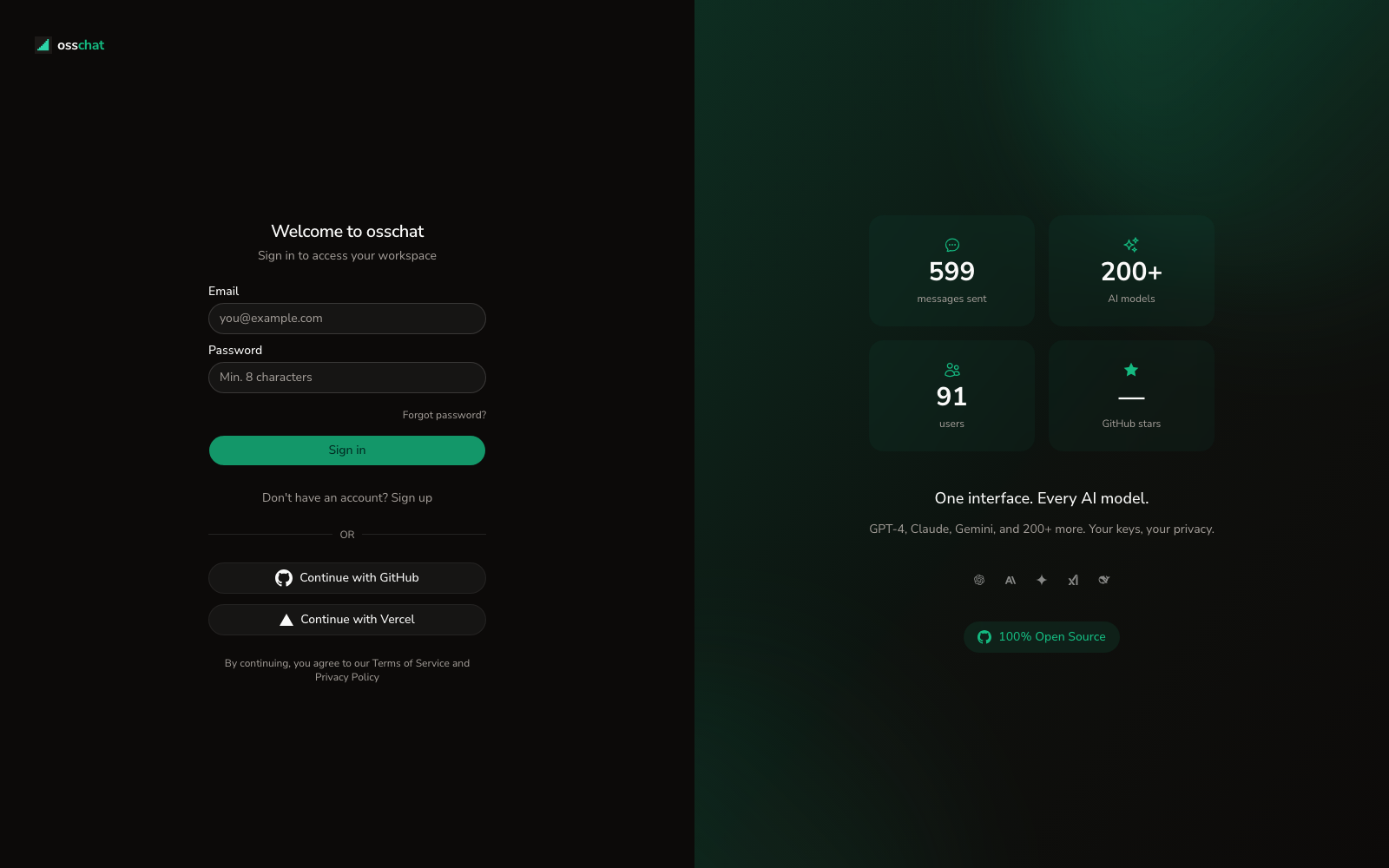
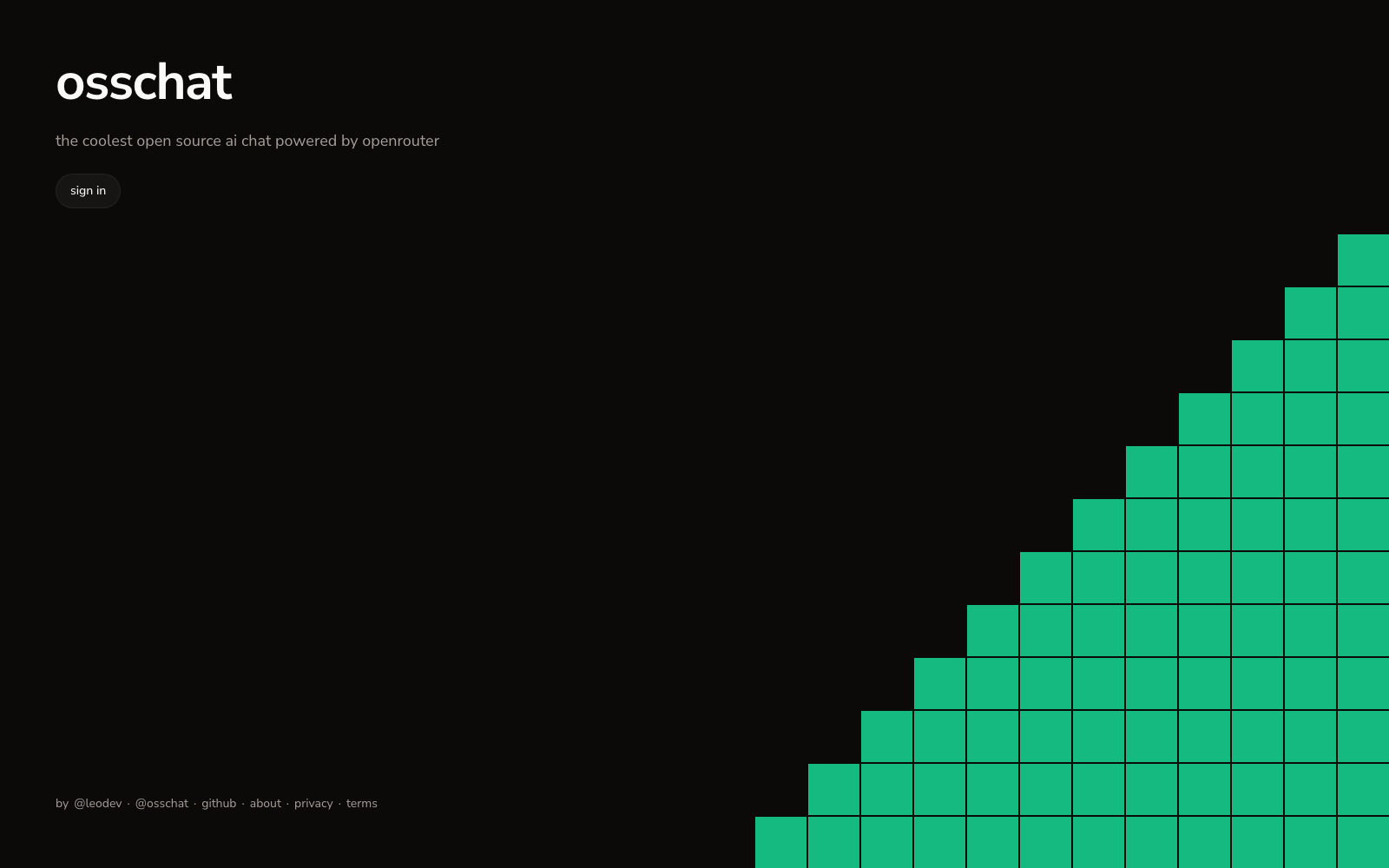
1. Open `http://localhost:3000`; you should see the sign-in screen.
2. Sign in with GitHub; then the main app shell appears.
3. Start a chat and send one prompt.
4. Open Settings and confirm Providers/Models tabs load.
## Verify Setup
Use this for a quick functional check after the steps above:
* Confirm `bun dev` shows no runtime errors in console
* Confirm `.env.local` changes persist without restart prompts
* Confirm models and providers load from the UI
## Useful Commands
| Command | Purpose |
| ----------------- | ------------------ |
| `bun dev` | Start web + Convex |
| `bun dev:web` | Start web app only |
| `bun dev:server` | Start Convex only |
| `bun check` | Lint checks |
| `bun check-types` | Type checks |
| `bun test` | Test suite |
## Next Docs
Understand the full system structure
Learn streaming, editing, retry, and fork flows
Continue with Docker or Vercel deployment
## Visual checkpoints
1. Open `http://localhost:3000`; you should see the sign-in screen.
2. Sign in with GitHub; then the main app shell appears.
3. Start a chat and send one prompt.
4. Open Settings and confirm Providers/Models tabs load.
## Verify Setup
Use this for a quick functional check after the steps above:
* Confirm `bun dev` shows no runtime errors in console
* Confirm `.env.local` changes persist without restart prompts
* Confirm models and providers load from the UI
## Useful Commands
| Command | Purpose |
| ----------------- | ------------------ |
| `bun dev` | Start web + Convex |
| `bun dev:web` | Start web app only |
| `bun dev:server` | Start Convex only |
| `bun check` | Lint checks |
| `bun check-types` | Type checks |
| `bun test` | Test suite |
## Next Docs
Understand the full system structure
Learn streaming, editing, retry, and fork flows
Continue with Docker or Vercel deployment