

Quickstart
This guide gets OpenChat running locally for development and feature testing.Prefer the hosted app? Use
https://osschat.dev.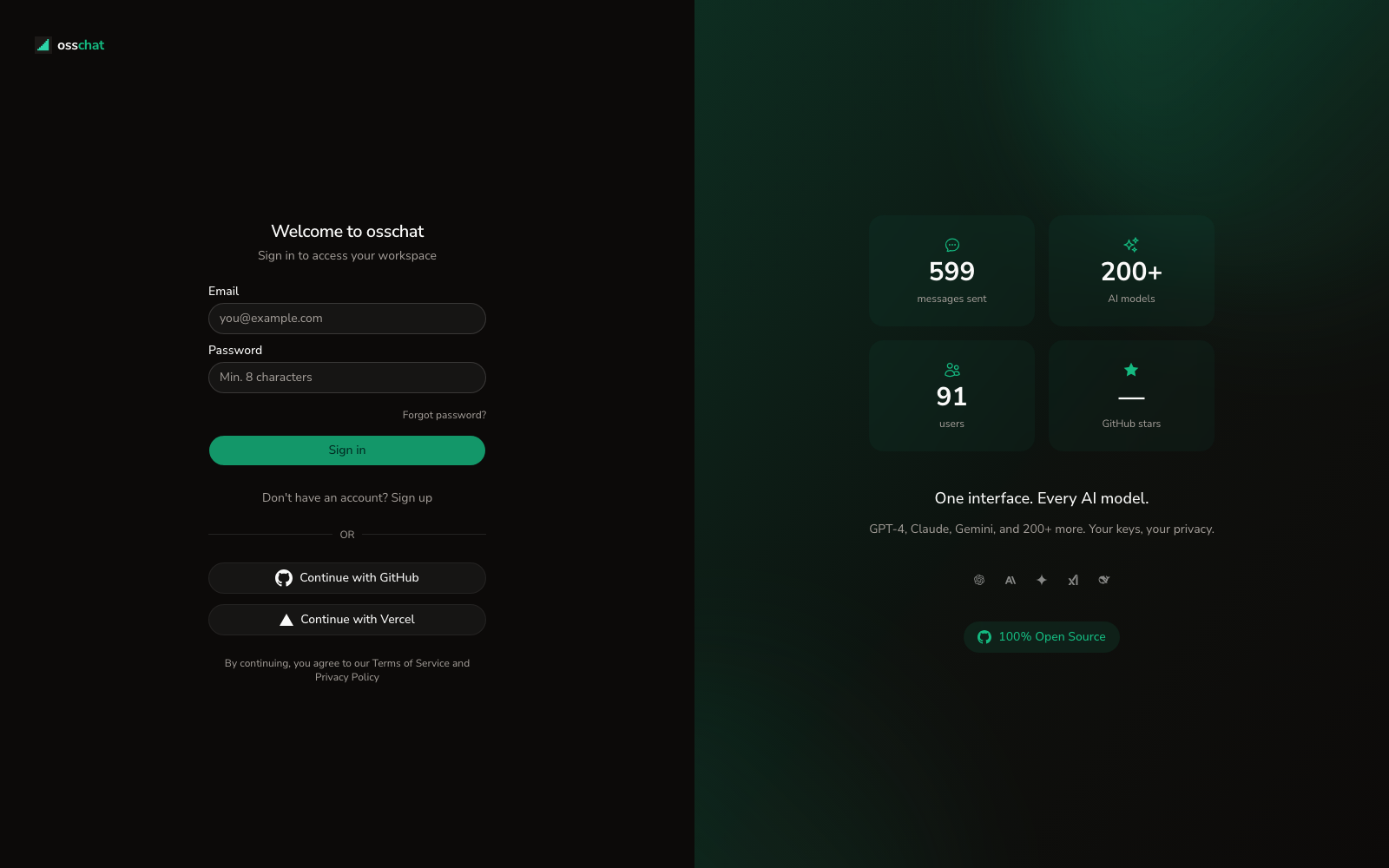
Prerequisites
- Bun 1.3+
- Node.js 20+
- Git
- GitHub OAuth app credentials
Install and Run
1
Clone and install
2
Copy environment files
3
Set required env vars
In
apps/web/.env.local, configure at least:4
Configure GitHub OAuth
Use callback URL:
5
Start dev services
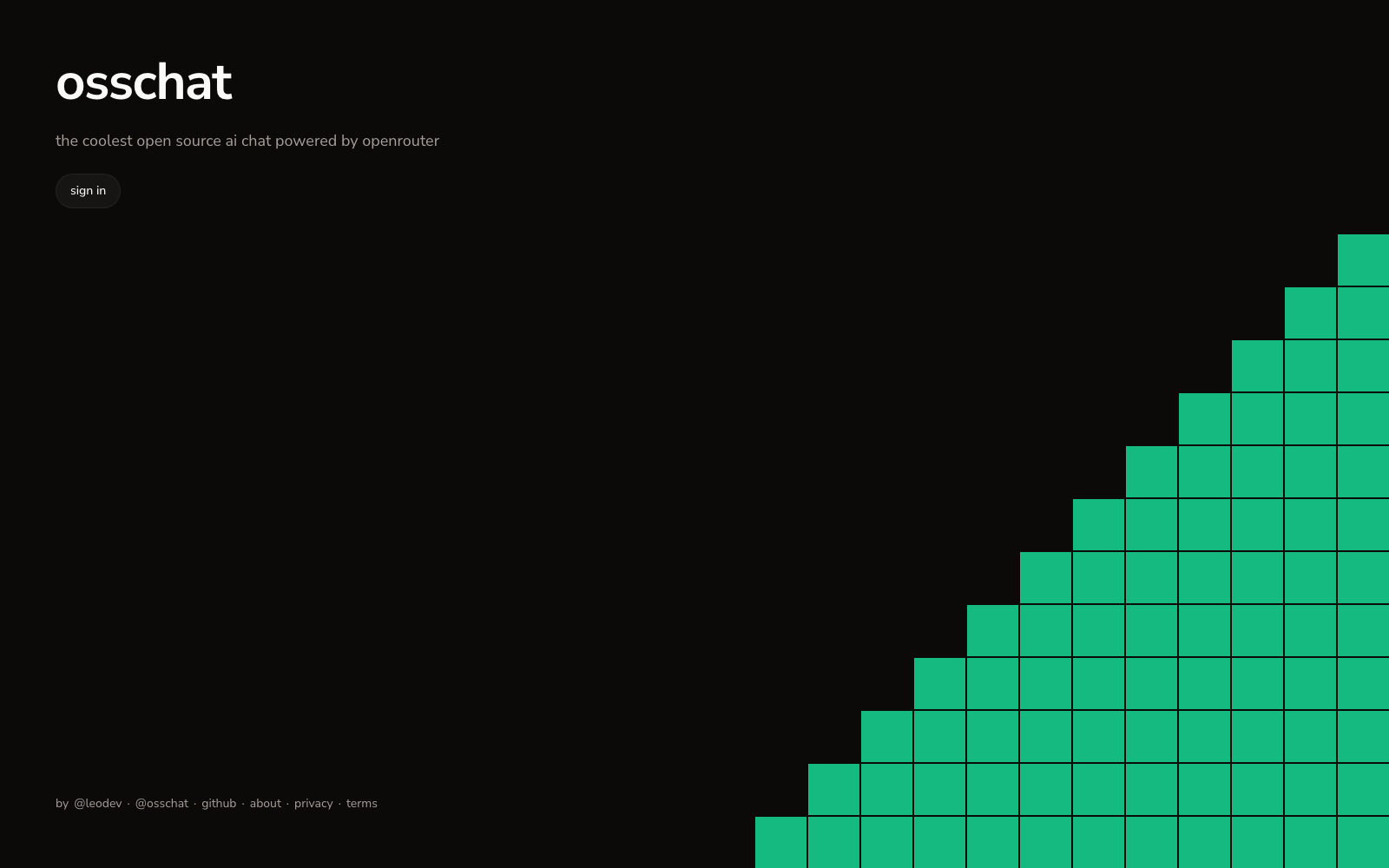
Visual checkpoints
- Open
http://localhost:3000; you should see the sign-in screen.
- Sign in with GitHub; then the main app shell appears.
- Start a chat and send one prompt.
- Open Settings and confirm Providers/Models tabs load.
Verify Setup
Use this for a quick functional check after the steps above:- Confirm
bun devshows no runtime errors in console - Confirm
.env.localchanges persist without restart prompts - Confirm models and providers load from the UI
Useful Commands
Next Docs
Architecture
Understand the full system structure
Chat Experience
Learn streaming, editing, retry, and fork flows
Self-Hosting
Continue with Docker or Vercel deployment